挺老生常谈的一个MOD了,主要功能就是防止角色从不同视角看会虚化。
另外作者也把去描边加到了整合包里,算是非常热门的一个MOD了。
正好最近更新,端上来分享一下。
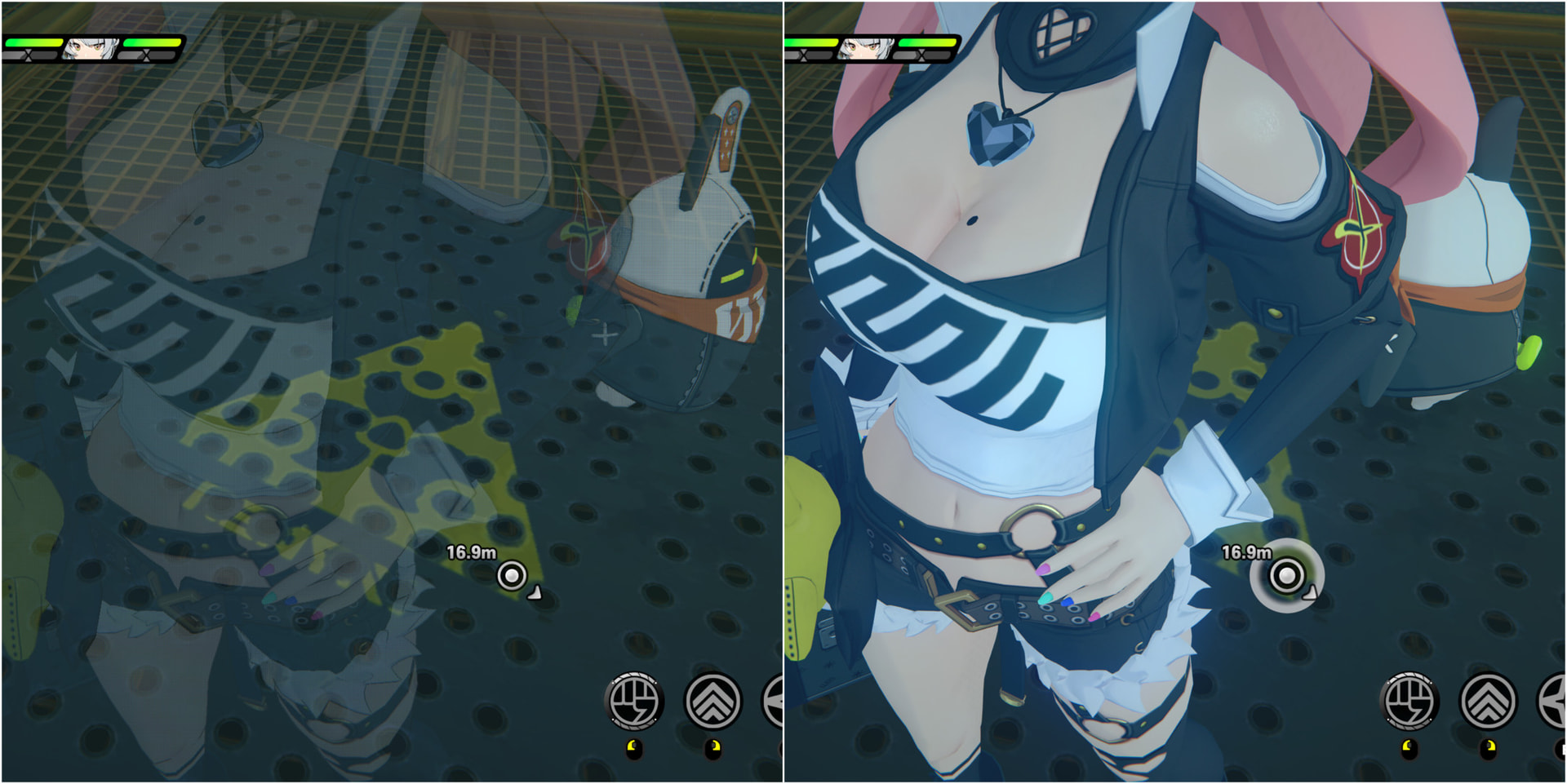
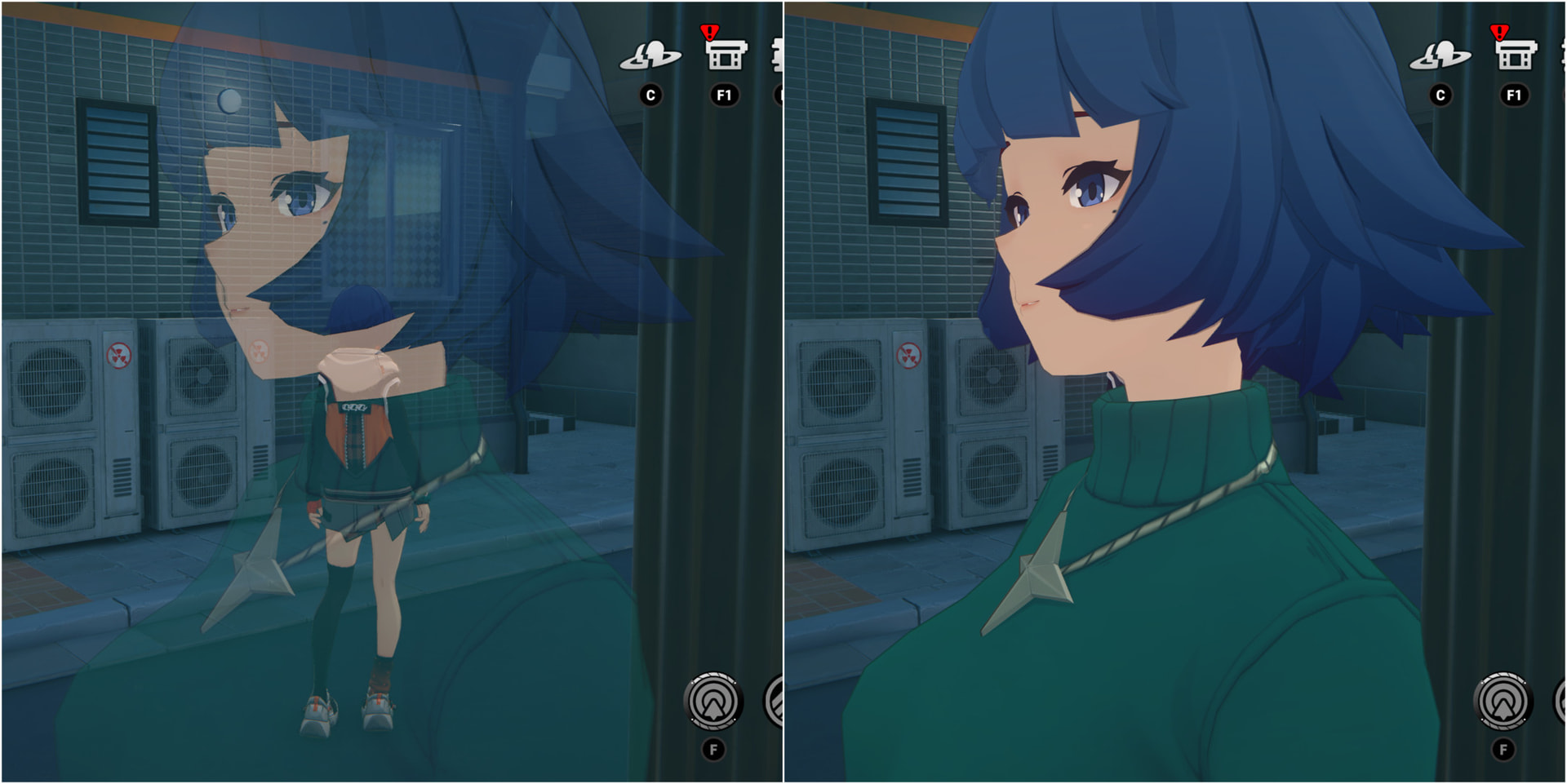

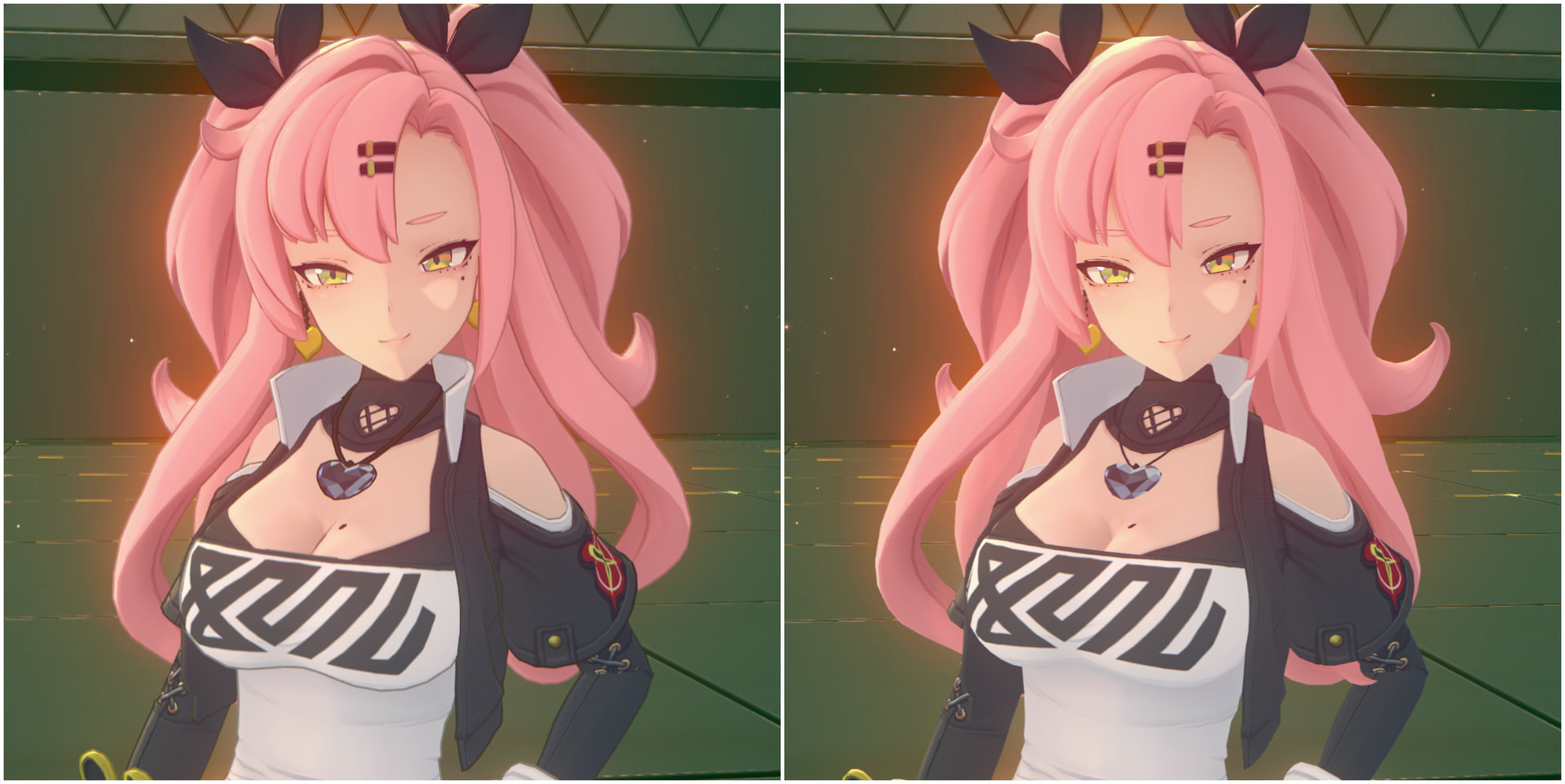
使用说明:
该MOD包含两个部分,其中无角色描边部分需要反虚化MOD前置。
无角色描边功能可以通过大键盘“9”键开关。
安装步骤:
反虚化:下载完成后,返回ZZMI主文件夹(MOD文件夹上一层),将压缩包(censor_remover)内的文件解压至该层并选择复制及替换。
无描边:在装好反虚化后,直接将压缩包解压至MOD文件夹即可。
卸载步骤:
无描边:直接删除MOD文件夹内文件即可
反虚化:进入 ShaderFixes 文件夹,在上方地址栏输入 powershell ,然后复制本串代码即可完成删除:
# Iterate through all .txt files in the current directory
Get-ChildItem *.txt | ForEach-Object {
    # Check if the file contains specific phrases to identify unwanted mods
    # Target patterns: "Bypass Transparency Filter" or "No outlines playable character"
    if (Select-String -Path $_.FullName -Pattern "Bypass Transparency Filter|No outlines playable character") {

        # Remove the identified .txt file
        Remove-Item -Path $_.FullName -Force

        # Remove the corresponding .bin file (same name, different extension)
        $binFile = $_.FullName.Replace('.txt', '.bin')
        Remove-Item -Path $binFile -Force -ErrorAction SilentlyContinue

        Write-Host "Cleanup complete: Removed $($_.Name) and its associated .bin file." -ForegroundColor Cyan
    }
}
作者同样推荐搭配 RabbitFX 使用
后续会持续更新此MOD
作者:summersby
详情及下载页:Censor Remover & No Outlines (10.21 v3.3.0) Mod for Zenless Zone Zero | ZZZ Mods